Set fees and future policy changes
Apply agreed rules without changing earlier accounting.
Property / Unit → Policy settings
Before you beginHave the owner agreement and the month the new rule starts.
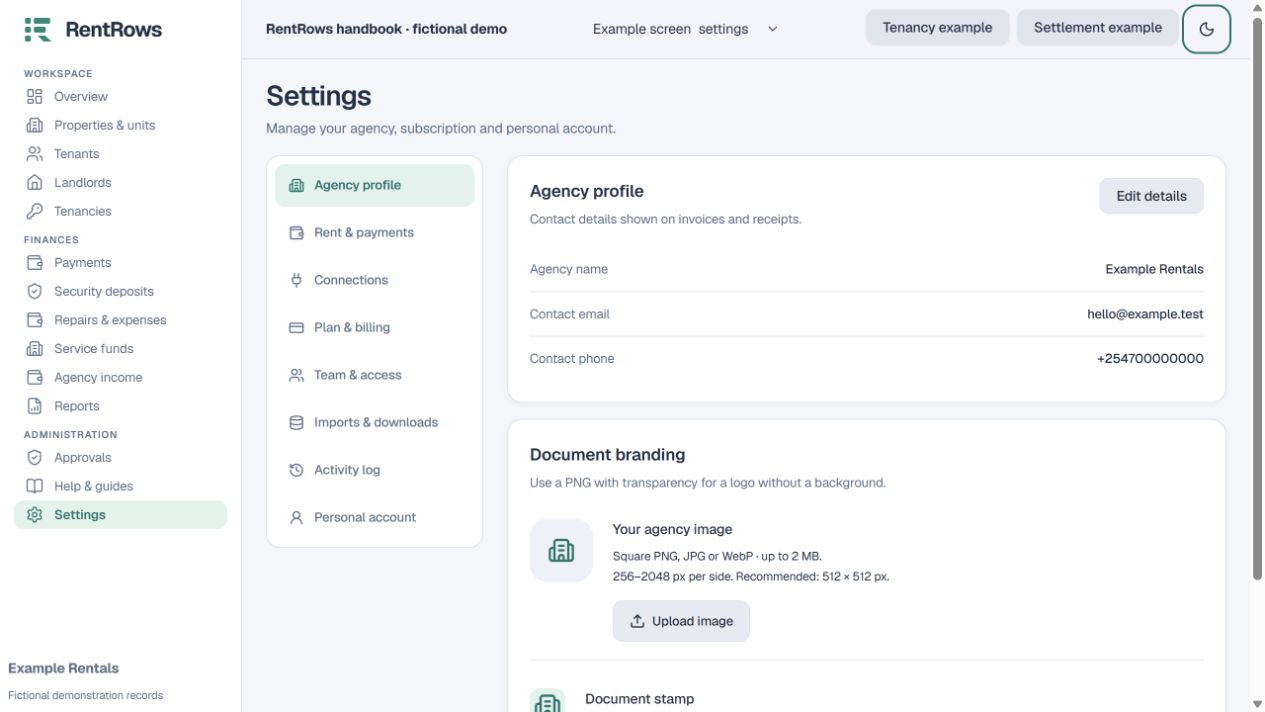
Follow the steps
- 01
Review the existing property and unit settings. Unit-specific terms may override a general default.
- 02
Choose whether rent is collected and which management, service or deposit rules apply.
- 03
For a new fee agreement, select its effective month and check fixed amounts or percentages.
- 04
Save and review the first affected bill. Earlier saved deductions should keep their historical terms.
- 05
If an earlier transaction is wrong, use its correction process with a reason rather than changing a default to rewrite the past.
Check the result
Future billing follows the intended agreement while history stays understandable.
Keep going
Still need help?
Tell support which screen you are on, what you expected and what happened. Include a bill or receipt number where useful. Never send passwords, payment credentials or email confirmation links.
Contact support →Open your workspace →