Archive and restore records
Keep active lists tidy while preserving genuine tenancy and payment history.
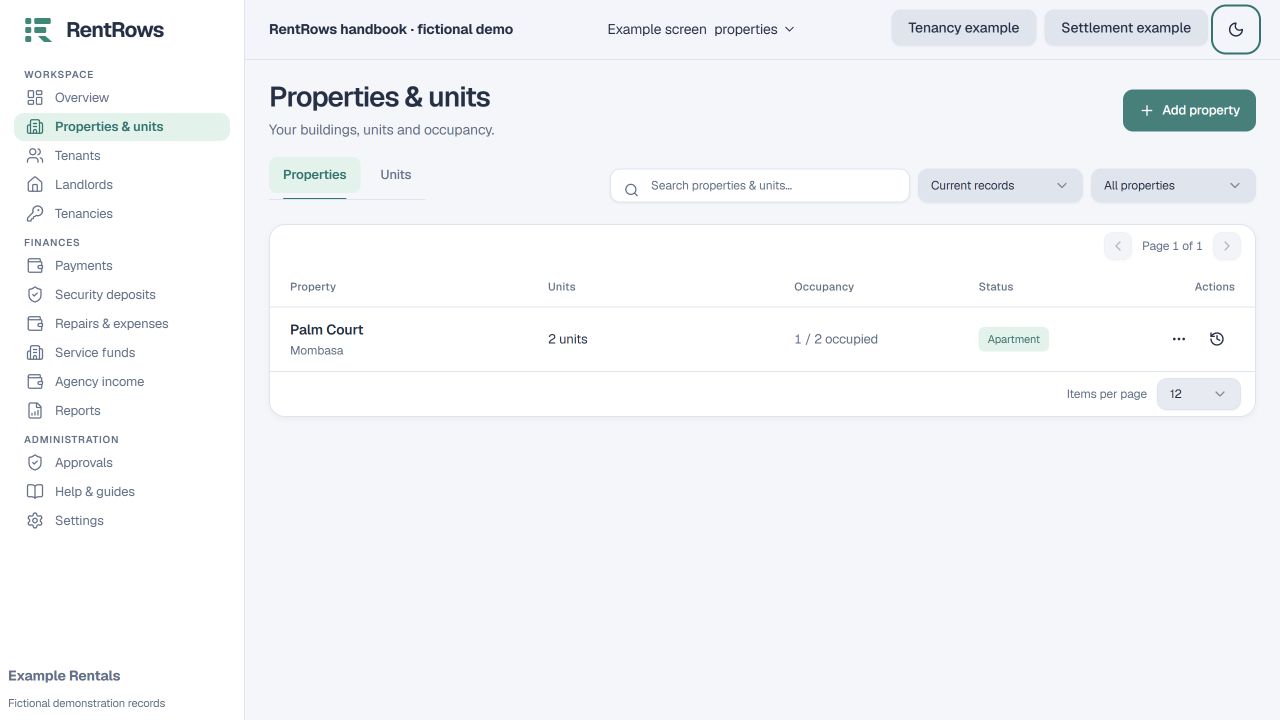
Directory → Record actions / Current records filter
Before you beginCheck related tenancies and unresolved balances before changing a record’s status.
Follow the steps
- 01
Open the person, property or unit and review its related records. End an active tenancy through the tenancy process first.
- 02
Choose the archive action when the record should leave your active list. Read any restrictions before confirming.
- 03
Use the Current / Archived / All filter to find records you have archived.
- 04
Open an archived record and use Restore if it is needed again. Reuse the original record rather than adding a duplicate person or unit.
- 05
Use removal only through the supported record action and read its effect. A protected financial removal needs a reason and may require admin approval.
Check the result
The record appears in the correct list and its retained history stays connected.
Keep going
Still need help?
Tell support which screen you are on, what you expected and what happened. Include a bill or receipt number where useful. Never send passwords, payment credentials or email confirmation links.
Contact support →Open your workspace →