Use an agreed deposit for rent
Pay a specific rent bill from money already held.
Deposits / Tenancy → Use deposit for rent
Before you beginConfirm agreement with the tenant and check the actual available deposit.
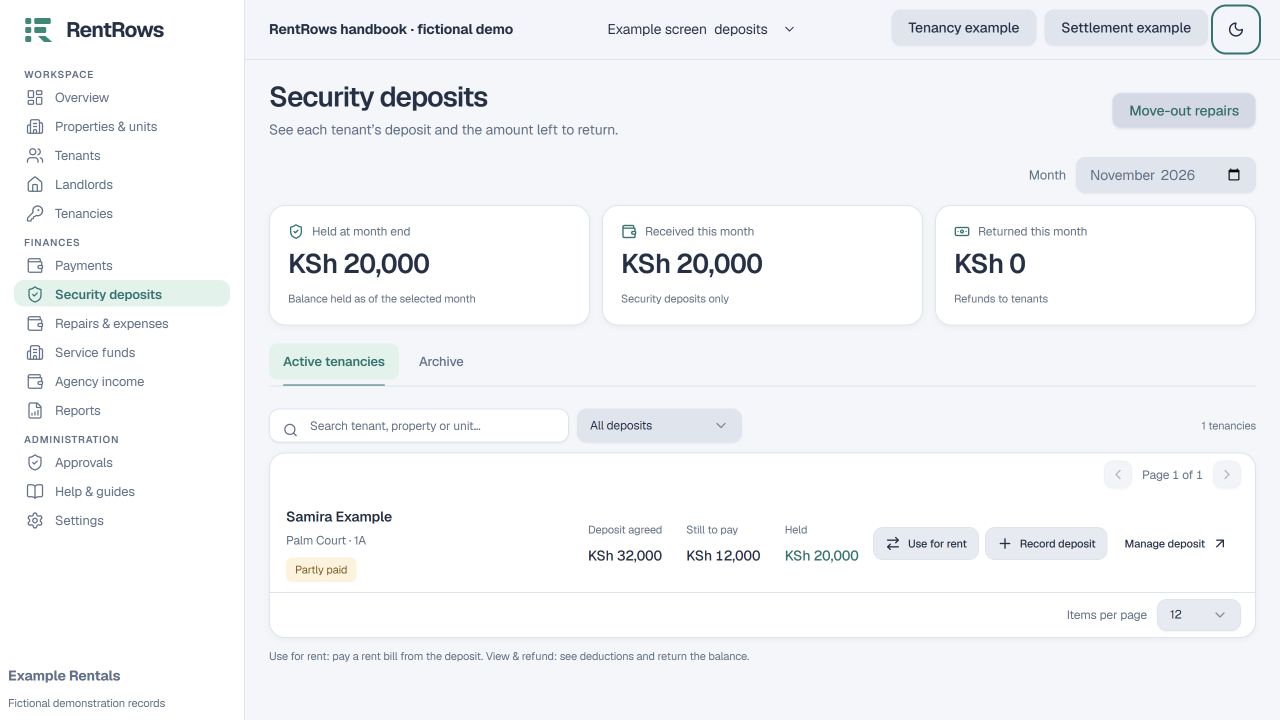
Follow the steps
- 01
Open the correct tenancy and check the available deposit and outstanding rent.
- 02
Select Use deposit for rent and choose the exact rent bill. Enter an amount no greater than the held deposit or bill balance.
- 03
Read the preview. This uses money already received; it does not create a second cash receipt.
- 04
If the tenancy continues, review the deposit top-up requirement so the original agreed deposit can be restored.
- 05
Save and check the rent balance, held deposit and movement history.
Check the result
The chosen rent bill reduces and the available deposit reduces by the same amount.
Keep going
Still need help?
Tell support which screen you are on, what you expected and what happened. Include a bill or receipt number where useful. Never send passwords, payment credentials or email confirmation links.
Contact support →Open your workspace →