Split a receipt or record advance rent
Use one real transaction for several bills without counting it twice.
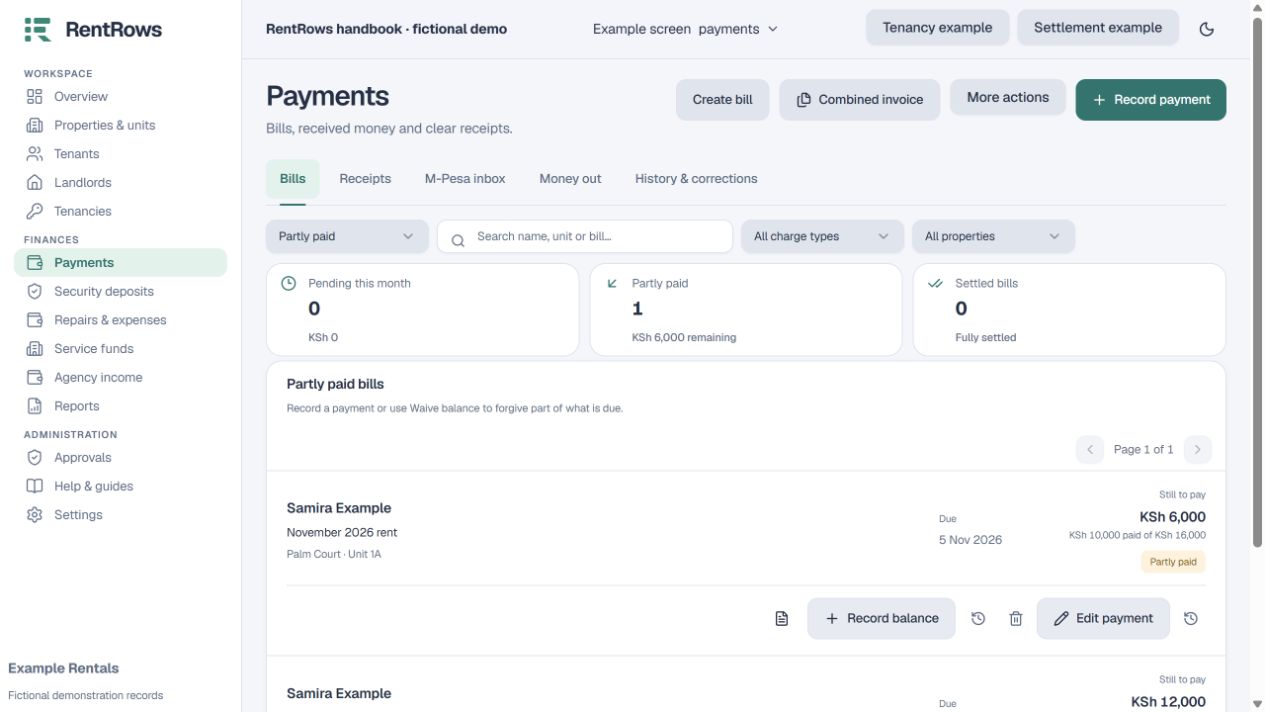
Payments → Record payment → Split receipt / Advance rent
Before you beginKnow the single transaction total and the exact bills or months it covers.
Follow the steps
- 01
Choose the tenant and enter the actual receipt total, date, payment method and reference once.
- 02
Select the bills covered. Enter the amount going to each rent month, deposit or agreed fee.
- 03
For advance rent, choose the specific future months. Review any new future bills before confirming.
- 04
Check that all portions add up to the receipt total. Change the portions instead of entering the full transaction repeatedly.
- 05
Save and review the combined receipt and affected balances. Keep separate real transactions as separate receipts.
Check the result
One receipt has a clear breakdown and each covered month has the correct remaining balance.
Keep going
Still need help?
Tell support which screen you are on, what you expected and what happened. Include a bill or receipt number where useful. Never send passwords, payment credentials or email confirmation links.
Contact support →Open your workspace →