Add and maintain tenant profiles
Keep contact details, agreements and past history together.
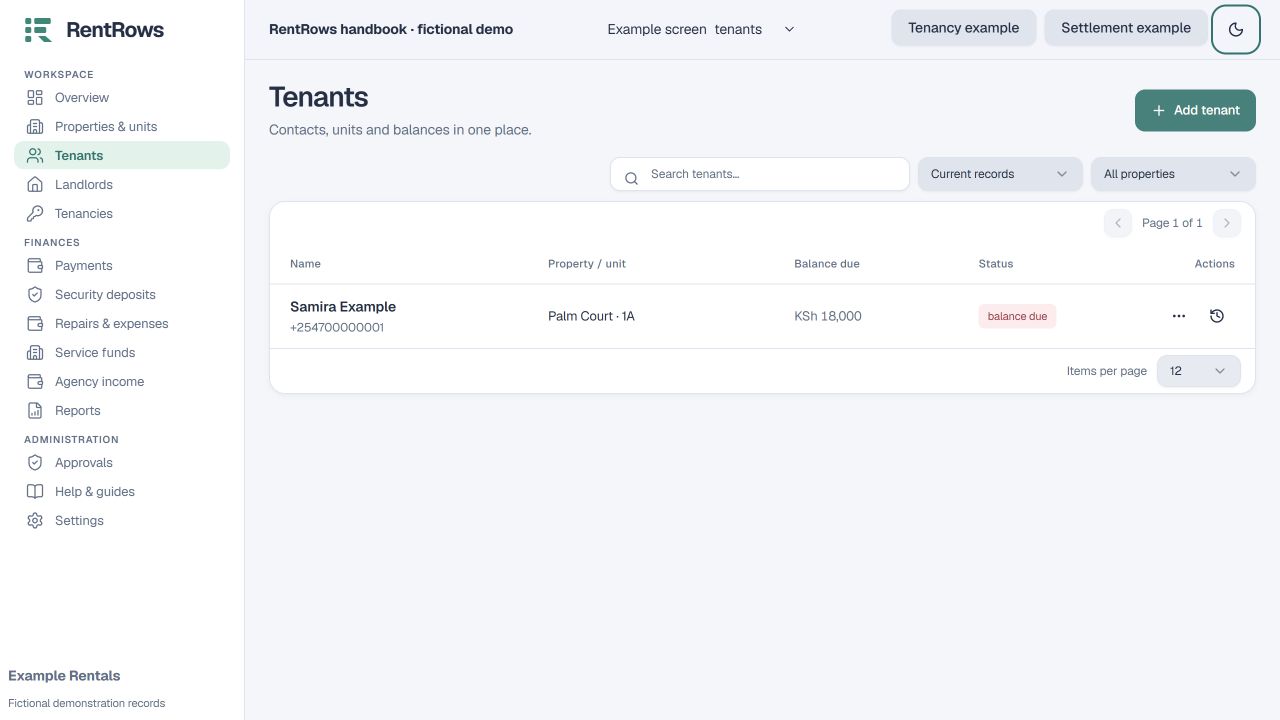
Tenants → Add tenant
Before you beginCheck whether the person is already saved, including archived profiles.
Follow the steps
- 01
Search the tenant list before adding a new person. Open an existing profile if it is the same person.
- 02
Save their name and available contact details. Enter a usable phone number, including a country code when appropriate.
- 03
Add emergency contact details, notes and documents where needed. Only upload files you are authorised to keep.
- 04
Create a tenancy to connect the tenant to a unit. A tenant profile by itself does not prove they occupy a unit or owe a bill.
- 05
When they leave, end the tenancy first. Archive their profile afterwards if you want a shorter active list; their saved history remains.
Check the result
You can open the person’s tenancy, documents, bills and payment history from a consistent profile.
Keep going
Still need help?
Tell support which screen you are on, what you expected and what happened. Include a bill or receipt number where useful. Never send passwords, payment credentials or email confirmation links.
Contact support →Open your workspace →