Record a deposit refund
Close a settlement only after the money has actually been returned.
Tenancy / Deposits → Record refund
Before you beginAgree the final rent and repair amounts. Have proof of the real refund.
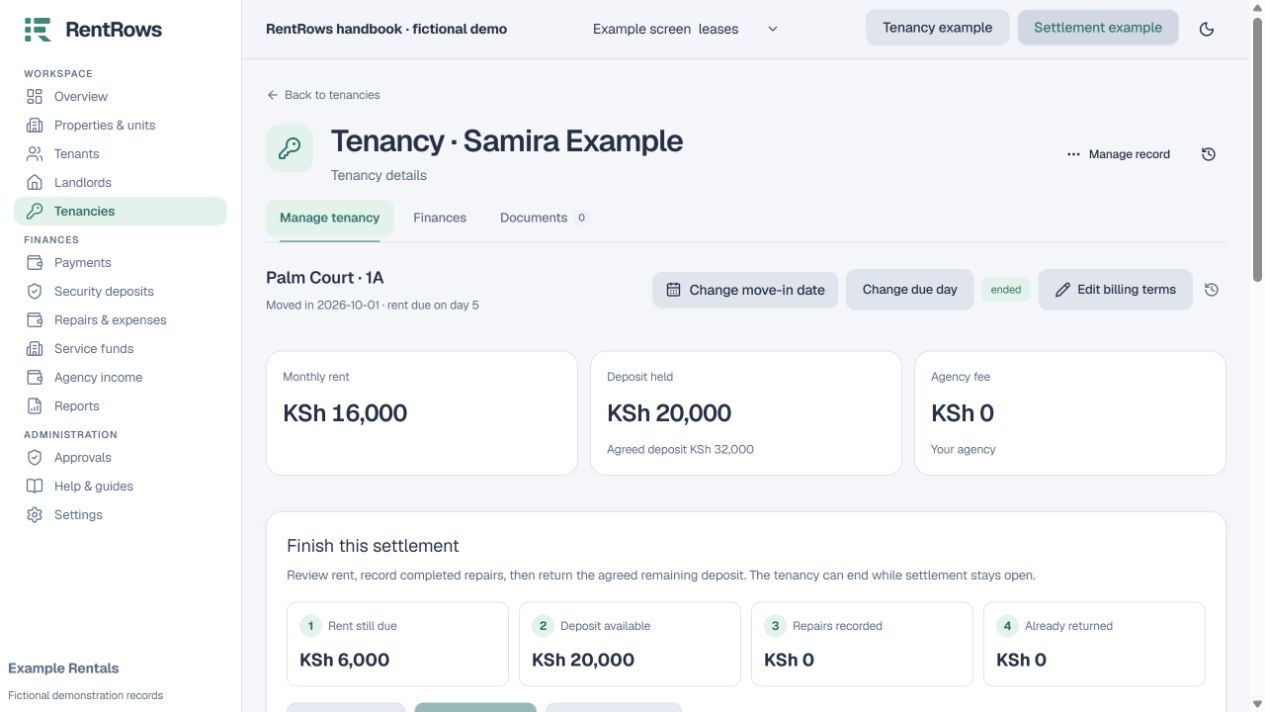
Follow the steps
- 01
Review held deposit, final rent and repair deductions. Resolve remaining rent before the refund action is available.
- 02
Make the real bank, cash or M-Pesa refund outside RentRows.
- 03
Choose Record refund and enter the actual amount and date, with the real reference or explanation.
- 04
Review the remaining held amount and save the final settlement document.
- 05
If a historical settlement is already cleared but its exact split is unknown, use the historical settlement process instead of inventing refunds.
Check the result
The saved refund reduces held funds and remains in the tenancy history.
Keep going
Still need help?
Tell support which screen you are on, what you expected and what happened. Include a bill or receipt number where useful. Never send passwords, payment credentials or email confirmation links.
Contact support →Open your workspace →